Construction Site DMS: Definition, How It Works and Benefits for the Construction Industry
Construction site DMS: definition, how it works, benefits for the construction industry and what BIM brings. ISO 19650 compliance and French data sovereignty explained.
💡 In brief
A construction site DMS is software that centralizes, versions and tracks every document of a construction project (drawings, meeting minutes, IFC models, technical data sheets, approval reports). It replaces lost files, diverging versions and overflowing inboxes. On modern BIM-driven projects, the construction site DMS becomes the common data environment (CDE) expected by the ISO 19650 standard. Three criteria set the solutions on the market apart: ISO 19650 compliance, French data sovereignty (GDPR, NIS2), and native integration with the BIM viewer and the BCF workflow.
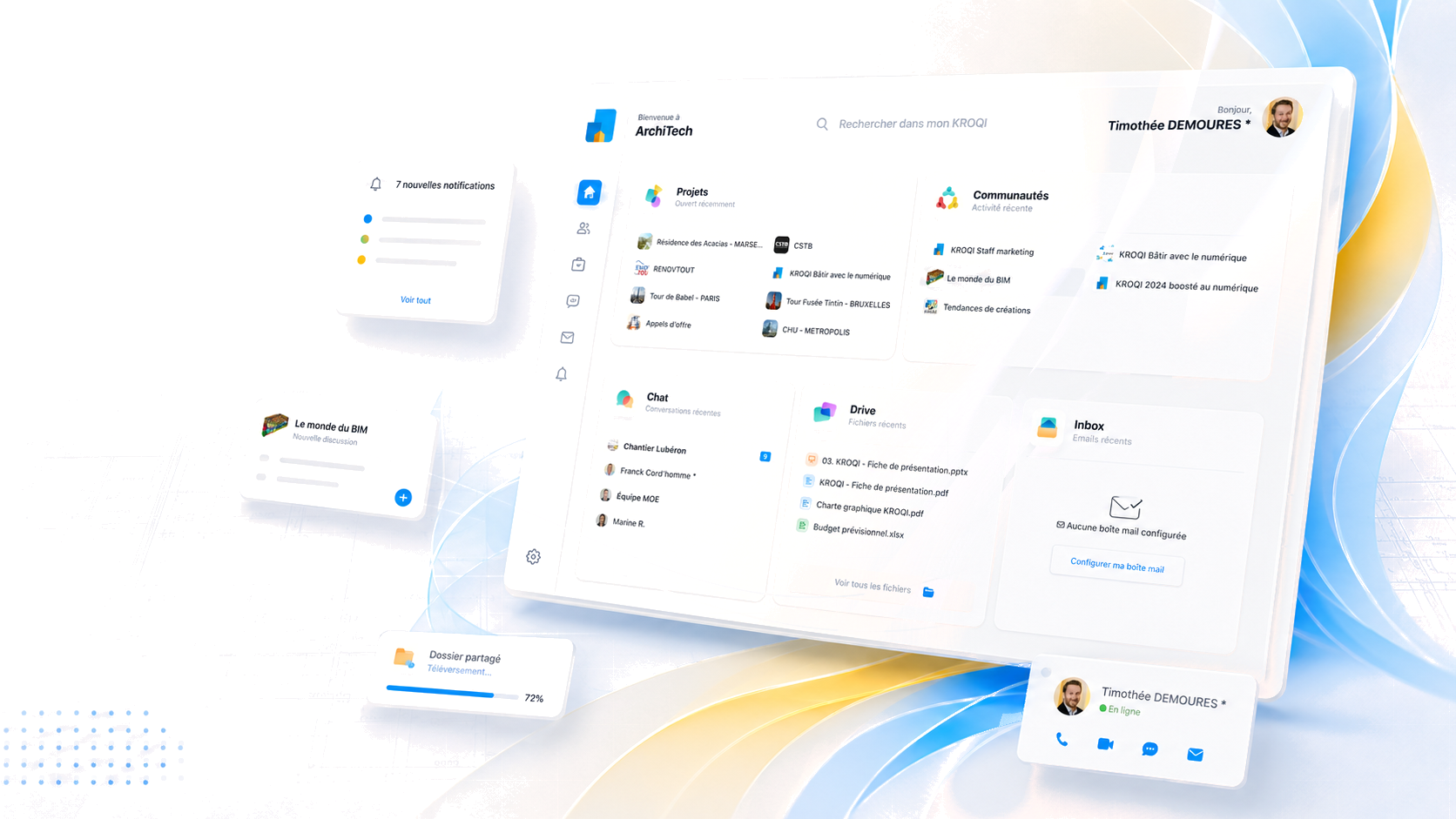
On a modern job site, tens of thousands of documents circulate between the project owner, the lead designer, the OPC, general contractors and engineering offices. Revised drawings, heavy IFC models, meeting minutes, technical data sheets, approvals, site visit reports: without a dedicated tool, information gets lost in emails and diverging versions. The construction site DMS (Document Management System tailored to the construction industry) answers this need. The Kroqi DMS solution, backed by the CSTB and hosted in France, illustrates the requirements specific to this trade: ISO 19650 compliance, data sovereignty and native BIM integration.
What is a construction site DMS?
Definition of a DMS and the specifics of construction
A Document Management System (DMS) is a software suite that makes it possible to capture, classify, index, version, share and archive an organization’s digital documents. It differs from simple storage space through its document lifecycle logic and its tracking of actions.
The construction industry has specific needs that conventional office DMS tools do not cover. Volumes are massive (tens of thousands of files per project, some of them very heavy like IFC models), stakeholders are numerous and external (project owner, lead designer, OPC, contractors, engineering offices, inspectors, design offices), the lifespan exceeds that of a conventional office project (several years of construction, sometimes 50 years of operation), and the regulatory requirements are specific to the sector (ISO 19650, NF Z42 013).
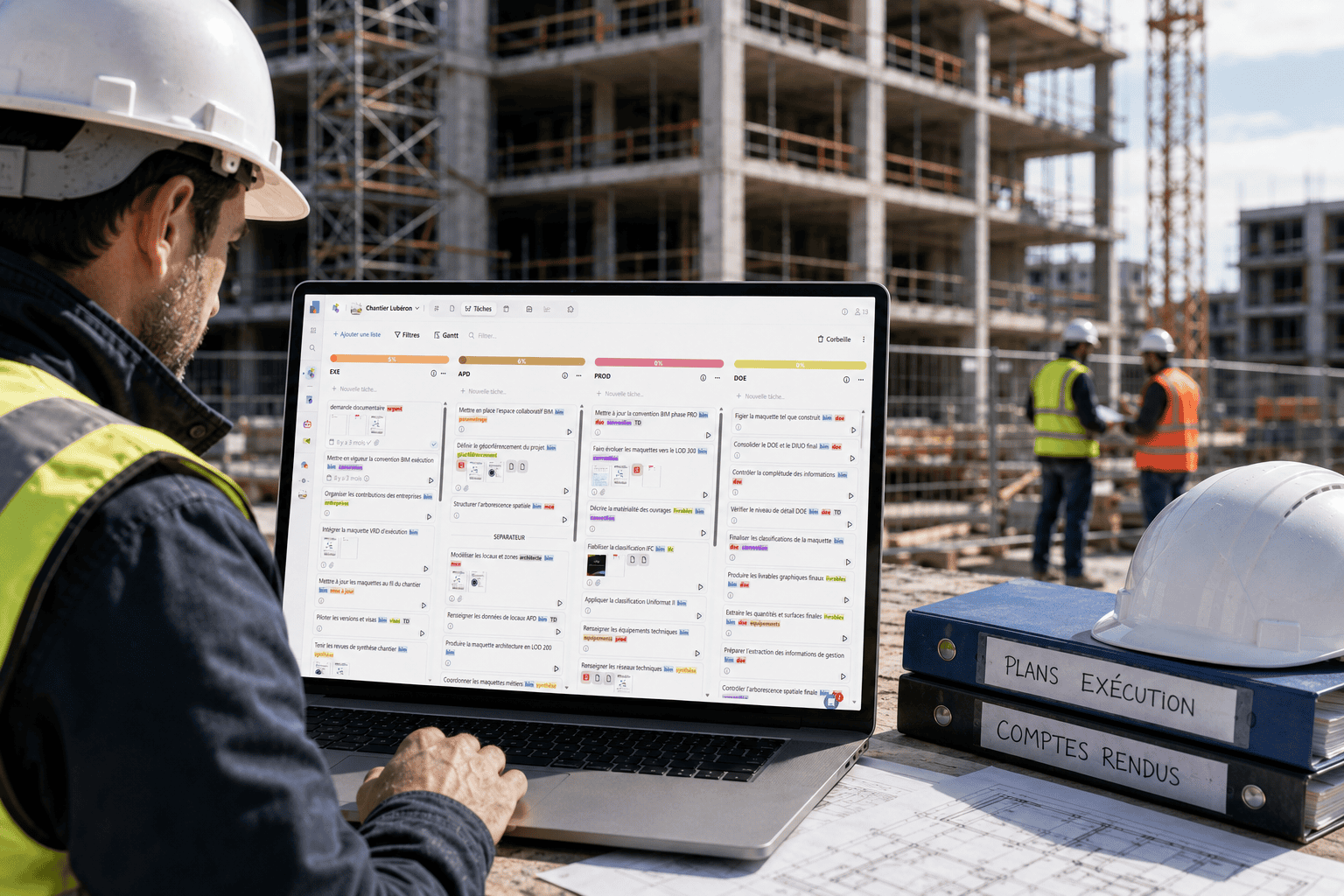
Another particularity of construction lies in the wide diversity of digital skills among those involved. On the same project you find the BIM designer, a digital expert who handles complex models every day, and the tiler working on the job site, trained through hands-on experience and sometimes unfamiliar with digital tools. Between these two extremes, the hurried site manager, the occasional project owner and the independent craftsperson each have a different relationship with technology. A construction site DMS must bring all these profiles together on a single platform, leaving no one behind.
Four elements set a construction site DMS apart from an office DMS:
- Native management of drawings and BIM models (IFC reading, BCF annotations, geometric versioning)
- Approval and snagging workflows that can be configured per project and per trade package
- Indexing by project, trade package, phase and deliverable in line with the ISO 19650 naming convention
- Separate workspaces per project with granular rights for external stakeholders
Stakeholders involved and use cases
All the stakeholders of a construction project use the DMS, with different roles. The project owner reviews deliverables and decides on trade-offs. The lead designer drafts, distributes, approves and validates. The OPC manages the document schedule. General contractors upload their execution deliverables. Engineering offices provide calculation notes and technical drawings. The inspection body uploads its reports and reservations.
The types of documents managed cover the whole project chain: architectural and technical drawings (PDF, DWG), IFC models, BCF issues, meeting minutes, product technical data sheets, acceptance reports, preliminary declarations, job site photos, inspection videos. The logic of the structured plan room is directly inherited from this document diversity and organizes the circulation of drawings between stakeholders.
Comparison table: office DMS vs construction site DMS
| Criterion | Office DMS | Construction site DMS |
|---|---|---|
| Documents managed | Word, Excel, PDF, emails | Drawings, IFC models, BCF, meeting minutes, material data sheets, approvals |
| Typical volume | Thousands of files, a few MB each | Tens of thousands of files, some of them heavy (IFC > 500 MB) |
| Users | One company, its internal staff | Several external stakeholders (project owner, lead designer, OPC, contractors, engineering offices, inspection body) |
| Project lifespan | Continuous, with no planned end | Duration of the construction then operation (sometimes 50 years) |
| Applicable standards | No dedicated industry standard | ISO 19650, NF Z42-013 for evidential archiving |
| Workflow | Sharing, comments, linear validation | Approval workflows, snagging, electronic signature |
How does a construction site DMS work?
The lifecycle of a document
A job site document follows a lifecycle that sets it apart from a conventional office file. First step, import and indexing. The document is uploaded to the platform and filed under the right project, trade package, phase and type. Metadata is extracted automatically (author, date, version) or entered manually (document number, relevant trade package, status).
Second step, controlled distribution. The relevant stakeholders are notified according to their role and access rights. A revised drawing uploaded by the architect automatically reaches the contractor in charge of the relevant trade package, but not the other packages. This segmented distribution avoids attention overload and ensures everyone sees the information that matters to them.
Third step, approval and validation. The document enters a configurable approval workflow. On the Kroqi platform, the document approval module tracks each step with a timestamp and an identified signatory. The document status evolves (pending, approved without comments, approved with comments, rejected) until the final validation that makes it binding.
Versioning, indexing and validation workflow
Automatic versioning is one of the core functions. Each new upload of a document carrying the same identifier triggers the creation of a new version. The previous version remains accessible in read-only mode for audit purposes, but the current version is the one that counts. This discipline eliminates the confusion of email practice (“do I have the latest version?”).
Indexing drives search. A rigorous construction site DMS uses several indexing dimensions at once: project, technical trade package, phase (APS, APD, PRO, EXE, DOE), document type (drawing, note, meeting minutes, data sheet), status, author, date. Combining these filters makes it possible to find a document among tens of thousands in a few seconds.
The validation workflow formalizes decision paths. Each document type can follow a dedicated workflow. An architect’s drawing goes through a technical approval by the engineering office, then an approval by the technical inspector, then a validation by the project owner. Each step generates a notification, a timestamped trace and a status update. In the event of a dispute, this document trail constitutes formal evidence.
What are the benefits of a DMS for the construction industry?
Measurable operational gains
The first gain is information search time. According to information management studies, knowledge workers spend on average 30% of their time searching for documents (IDC figure, “Information: The Lifeblood of the Enterprise”), a reality that is even more pronounced on job sites where document volumes are massive. A rigorously indexed DMS brings this time down to 5-10%, which frees up several hours per week for high-value tasks.
The second gain is the reduction of errors caused by diverging versions. When several companies work on different versions of the same drawing, execution conflicts are almost inevitable. A DMS that enforces a single current version eliminates this structural risk. Published feedback reports a 20 to 40% drop in change orders linked to documentation errors.
The third gain is smoother multi-stakeholder communication. Instead of dozens of cross-referenced emails to send a drawing to 8 recipients, a simple upload to the DMS automatically notifies the right people. The cumulative time saved over the course of a complex project amounts to hundreds of hours.
Legal protection and auditability
The DMS brings an auditability that traditional practices cannot offer. Every action on a document (creation, viewing, modification, approval, deletion) is timestamped and tracked. In the event of later litigation, finding out who saw what and when becomes simple, whereas this information is usually lost as teams rotate.
Compliance with evidential archiving standards (NF Z42-013 for the legal value of electronic archiving) guarantees that documents are admissible in court. This is a sensitive topic on public projects and in disputes related to the ten-year warranty.
What criteria should you use to choose a construction site DMS?
Regulatory compliance and data sovereignty
The applicable standards are the first selection criterion. ISO 19650 (information management in BIM) and NF Z42-013 (evidential archiving) compliance is non-negotiable on public contracts and large projects. Check the vendor’s technical documentation on these two points. For sensitive projects, ANSSI’s SecNumCloud certification marks the highest level of sovereignty requirements. To understand these requirements in detail, see our guarantees on data security and GDPR compliance.
French data sovereignty is the second strategic criterion. US extraterritorial legislation (Cloud Act, FISA) can compel hosting providers to hand over French data to foreign authorities, even if the servers are located in Europe. For public contracts and sensitive projects (defense, energy, healthcare), strictly French hosting becomes a deciding factor. The NIS2 directive, whose French transposition was finalized by the Résilience law, reinforces these requirements.
Ease of use and adoption by teams
Ease of use is a criterion too often underestimated at the time of choice. A construction site DMS brings together profiles with very uneven digital skills. The architect used to complex tools works alongside the site manager under time pressure in the field, the occasional project owner and the craftsperson unfamiliar with collaborative platforms. If the solution is too complex, part of the stakeholders stop using it and the DMS loses its substance.
A good construction site DMS therefore aims for a quick start without heavy training. A clear interface, intuitive navigation and a limited number of clicks for everyday actions determine real adoption by all those involved. The best tool is worthless if half of the stakeholders keep exchanging documents by email in parallel.
Check several points concretely before choosing. Creating an account and gaining access to a project must take only a few minutes for an external participant. Uploading a document, viewing it and approving it must remain accessible to a non-technical user. The deployment support offered by the vendor, with dedicated assistance and a knowledge base, speeds up collective adoption and secures the success of the project.
Integration into the BIM workflow
A modern construction site DMS does not stop at storing IFC files. It natively integrates a BIM viewer that makes it possible to view and annotate models without installing heavy modeling software. It supports the BCF format to manage coordination issues positioned directly on the relevant elements.
Interoperability with business tools is just as important. Scheduling software (Gantt), job site management tools (mobile field app) and electronic signature must communicate with the DMS without breaking the chain. Check the availability of documented APIs and the native integrations offered.
How does the DMS fit with the ISO 19650 standard?
The common data environment (CDE)
The ISO 19650 standard structures information management in BIM around a central concept: the common data environment, or CDE. The CDE is the single digital space where all of a project’s documents and models circulate, with defined statuses (Work in progress, Shared, Published, Archived) that reflect their level of maturity.
An ISO 19650-compliant construction site DMS turns these concepts into concrete features: separate areas for each status, controlled transitions between areas, full traceability of moves from one status to another, and management of information containers according to ISO conventions. This discipline makes the DMS the true backbone of the BIM project. To understand how this standard structures practices, see our detailed guide on ISO 19650, the reference standard for information management in BIM.
From the job site to the digital DOE
The construction site DMS feeds the operation phase. When the project is handed over, the DOE (as-built documentation file, “Dossier des Ouvrages Exécutés”) is compiled from the accumulated document base: as-built drawings, technical data sheets of the products actually installed, warranties, commissioning reports. On a project well equipped with a DMS, this DOE is delivered almost automatically, whereas it traditionally took several months of manual work.
The digital DOE produced this way forms the basis of predictive maintenance and asset management in the following years. For a project owner who manages a building portfolio, this document continuity between construction and operation is a strategic asset that can be measured as a percentage of the total cost of ownership.
The construction site DMS is therefore not just a technical tool. It is the document infrastructure that secures execution quality, legal auditability and the long-term asset value of the building. On public and sensitive projects, its ISO 19650 compliance and French sovereignty become conditions for winning contracts.
Want to see Kroqi in action?
Leave us your details: a member of the team will get back to you for a demo or to answer your questions.